Understand the 4-second example and 15-second reference
The synchronized preview pairs the matching original segment with our existing 4-second, 480p generated example. Select either 15-second external example to see it beside the reference scene. The reference is not a generated customer result.
Your purchase is a new 15-second, 720p video. The model can change gestures, hands, faces and lip movement; it does not guarantee a frame-for-frame motion copy.
See the examples. Choose your photo.
ORIGINALOriginal video
0:00–0:04 · original segment
PHOTOExample photo
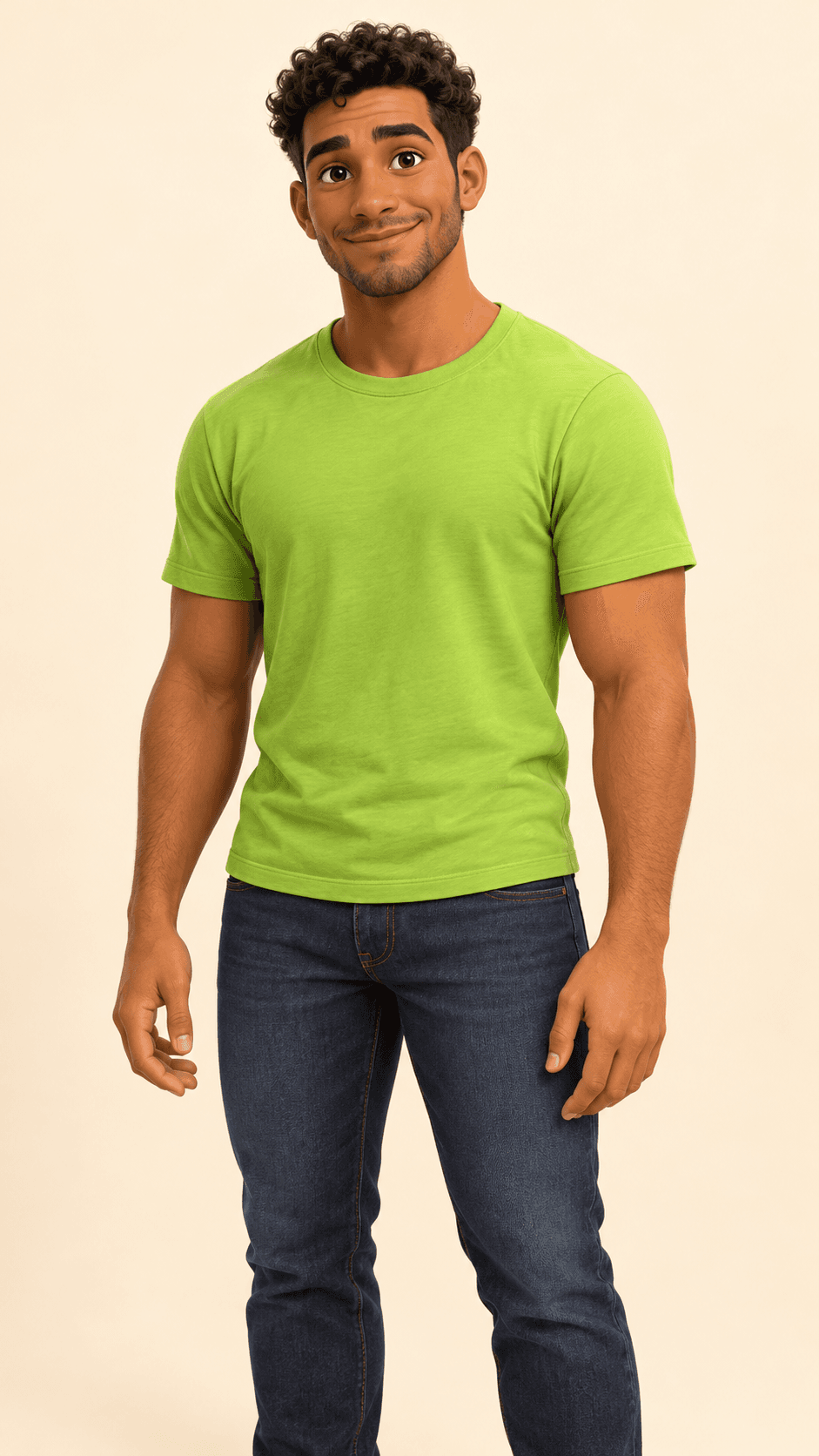
The exact photo used for this example.
RESULTIts video result
4s · 480p · original sound
Same segment, synchronized playback. Audio from the generated example.
Original scene + your photo → your freestyle video.
Your purchase: 15 seconds · 720p · vertical MP4.
How to use the Bulin 47 AI video generator
1. Prepare one clear photo
Use a photo of yourself or a person who has agreed. One person facing the camera, with good light and the face, hair and upper body visible, gives the model a clearer reference. Avoid sunglasses, heavy filters, group photos and a very small face.
Choose JPG, PNG, WebP, HEIC or HEIF up to 20 MB. If an iPhone HEIC photo fails to convert, export a JPEG copy and choose it again; renaming the extension does not convert the image.
2. Choose your photo and check the preview
Open the generator and select “Choose my photo”. Wait for the photo preview. Change the photo if needed, then continue to the purchase summary. Selecting a photo keeps you before checkout and does not create a free personalized video.
3. Review the purchase before paying
Check the price, duration and sound, confirm permission to use the photo and accept the terms. Continue to Stripe only when ready. Use an email address you can access to receive and recover the order.
Read the refund conditions before purchasing.
4. Keep your private order link
Generation can take several minutes. Save the private order link to check progress. If you close the tab, use Find your video with the checkout email, and check your spam folder for the delivery email.
5. Download and review the MP4
When ready, download your video from the private order page. The private download is available for 30 days; save your own copy. Review the result before posting. Use the help option on your order if delivery fails; the refund policy explains the delivery deadline and conditions.
What your US$5.99 purchase includes
- One new vertical 9:16 MP4: 15 seconds, 720p.
- The original soundtrack added to the MP4; your voice is not cloned.
- One payment, no subscription and no account registration.
- A private order link; use your checkout email to recover access.
The public example remains 4 seconds at 480p. A 15-second source reference is not evidence that every generated video reproduces the same actions exactly.
Review my photo and purchaseQuestions before you start
Do I need CapCut, a prompt or the original video?
No. The reference scene and instructions are already prepared. You only choose one photo and review the purchase.
Do I need an account?
No account is required. Enter an email you can access at checkout to receive and recover your private video link.
Will the movement match every frame?
No. The reference guides the scene and movement, but faces, hands, gestures and lip synchronization may vary. The preview is an example, not a guarantee for every photo.
bulin 47 AI is an independent tool, not affiliated with or endorsed by Bulin 47.